$ git clone https://github.com/Elemento-Modular-Cloud/wg-easy.git
$ cd wg-easy
> 💡 Here you want to edit the `docker-compose.yml` file. > > 💡 Replace `YOUR_SERVER_IP` with your WAN IP, or a Dynamic DNS hostname. > > 💡 If you enable `USERS_PATH` be sure to place your file inside `./src/`. See [users.json](https://github.com/Elemento-Modular-Cloud/wg-easy/blob/develop/src/users.json) for example. > > 💡 Your configuration files will be saved in `~/.wg-easy`
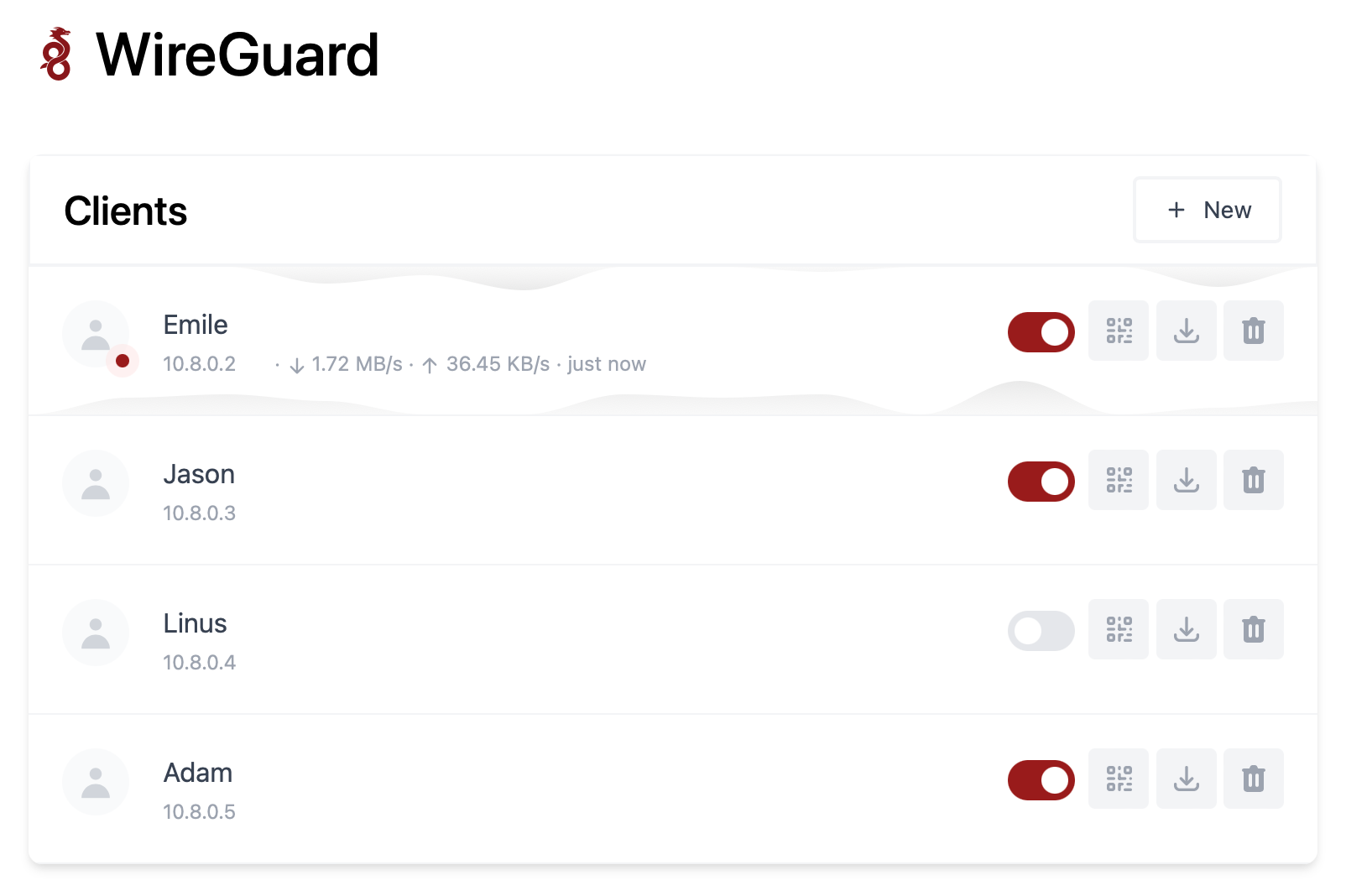
$ docker-compose upThe Web UI will now be available on `http://0.0.0.0:51821`. ### 2. Sponsor Are you enjoying this project? [Buy him a beer!](https://github.com/sponsors/WeeJeWel) 🍻 ## Options These options can be configured by setting environment variables inside `docker-compose.yml`. | Env | Default | Example | Description | | - | - | - | - | | `WG_HOST` | - | `vpn.myserver.com` | The public hostname of your VPN server. | | `USERS_PATH` | - | `/app/users.json` | The path to a JSON file located under ./src/[users.json](https://github.com/Elemento-Modular-Cloud/wg-easy/blob/develop/src/users.json) made of users and passwords. | | `WG_DEVICE` | `eth0` | `ens6f0` | Ethernet device the wireguard traffic should be forwarded through. | | `WG_PORT` | `51820` | `12345` | The public UDP port of your VPN server. WireGuard will always listen on `51820` inside the Docker container. | | `WG_MTU` | `null` | `1420` | The MTU the clients will use. Server uses default WG MTU. | | `WG_PERSISTENT_KEEPALIVE` | `0` | `25` | Value in seconds to keep the "connection" open. If this value is 0, then connections won't be kept alive. | | `WG_DEFAULT_ADDRESS` | `10.8.0.x` | `10.6.0.x` | Clients IP address range. | | `WG_DEFAULT_DNS` | `1.1.1.1` | `8.8.8.8, 8.8.4.4` | DNS server clients will use. | | `WG_ALLOWED_IPS` | `0.0.0.0/0, ::/0` | `192.168.15.0/24, 10.0.1.0/24` | Allowed IPs clients will use. | | `WG_PRE_UP` | `...` | - | See [config.js](https://github.com/WeeJeWel/wg-easy/blob/master/src/config.js#L19) for the default value. | | `WG_POST_UP` | `...` | `iptables ...` | See [config.js](https://github.com/WeeJeWel/wg-easy/blob/master/src/config.js#L20) for the default value. | | `WG_PRE_DOWN` | `...` | - | See [config.js](https://github.com/WeeJeWel/wg-easy/blob/master/src/config.js#L27) for the default value. | | `WG_POST_DOWN` | `...` | `iptables ...` | See [config.js](https://github.com/WeeJeWel/wg-easy/blob/master/src/config.js#L28) for the default value. | > If you change `WG_PORT`, make sure to also change the exposed port. ## Common Use Cases * [Using WireGuard-Easy with Pi-Hole](https://github.com/WeeJeWel/wg-easy/wiki/Using-WireGuard-Easy-with-Pi-Hole) * [Using WireGuard-Easy with nginx/SSL](https://github.com/WeeJeWel/wg-easy/wiki/Using-WireGuard-Easy-with-nginx-SSL)